SOFOS 360
Distribute a pot
Collapse All
Expand All
Introduction SOFOS 360
>
Basic exercises
>
Module Stock
> Distribute a pot
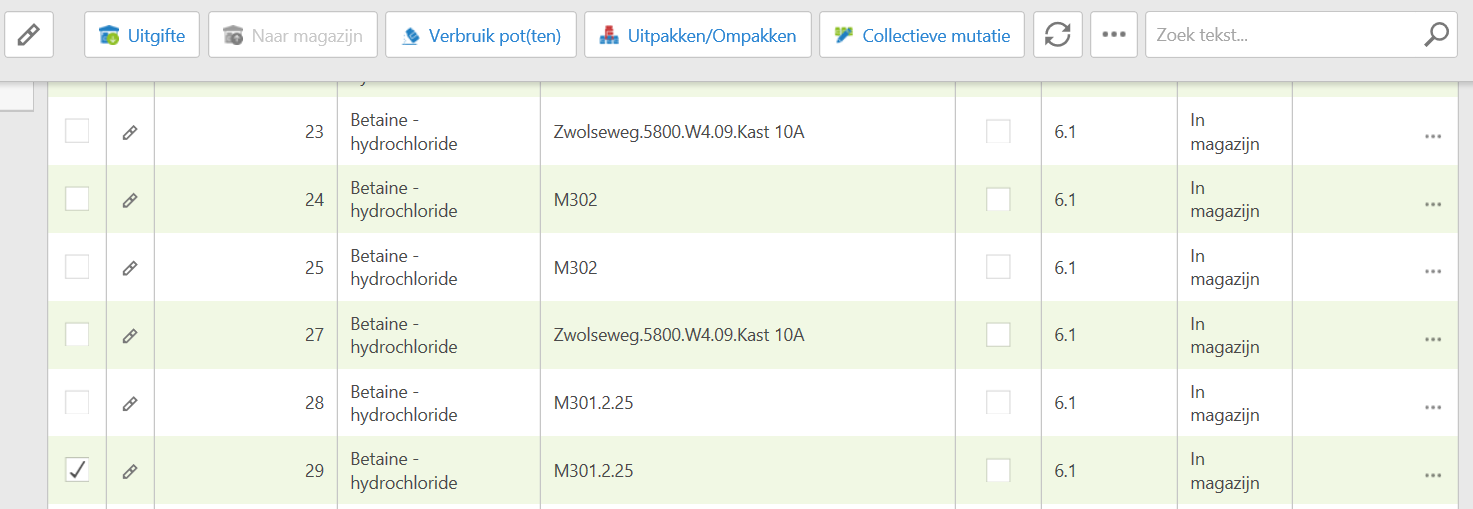
Go to module Stock > Pot.
Select the items you want to publish. They must have the In Warehouse status. Then click the Issue button.
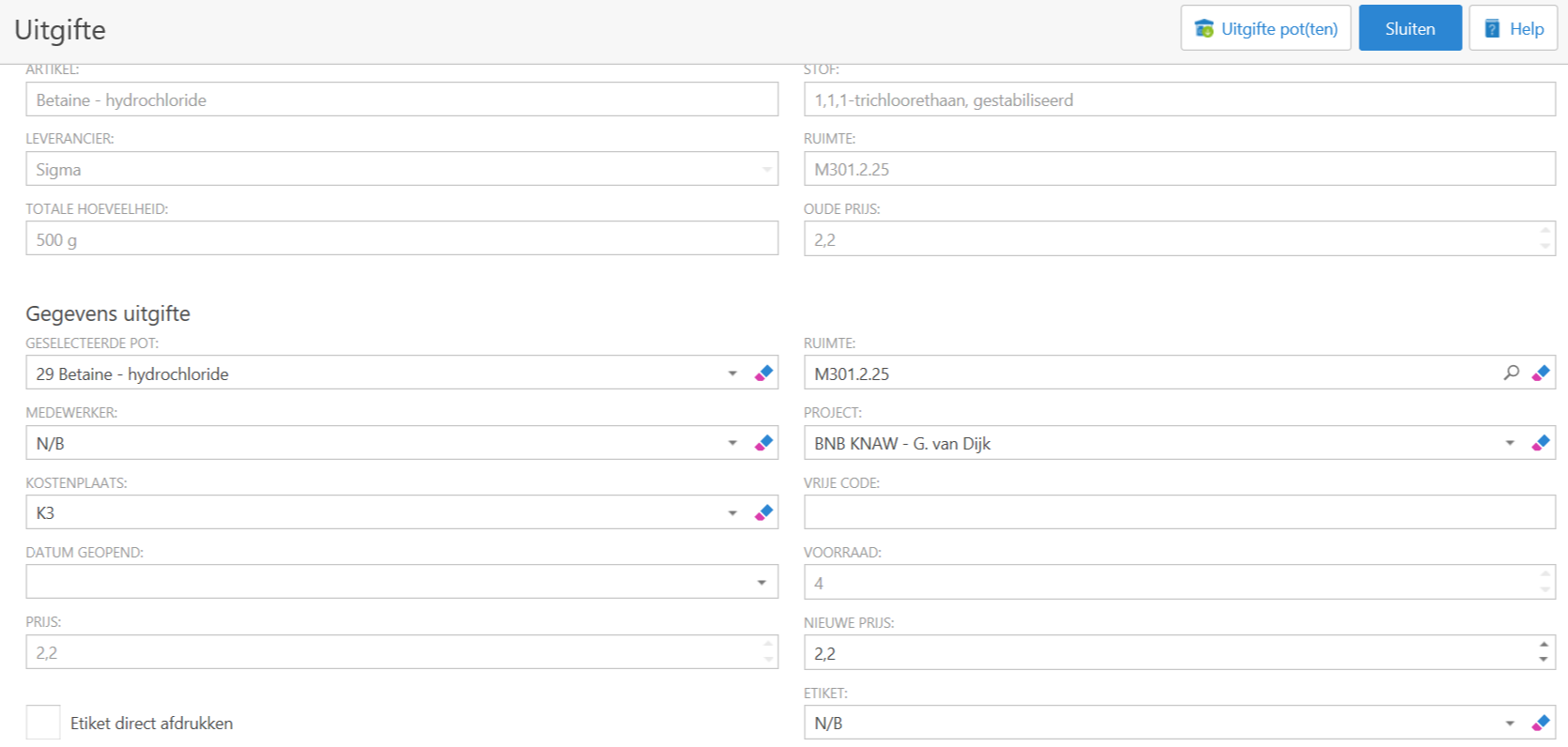
Fill in the required data.
A number of choices can be found by clicking on the search-icon or the black arrow ()
You can specify whether to print a label directly (and choose a corresponding template) and if yo want to create an issue form.
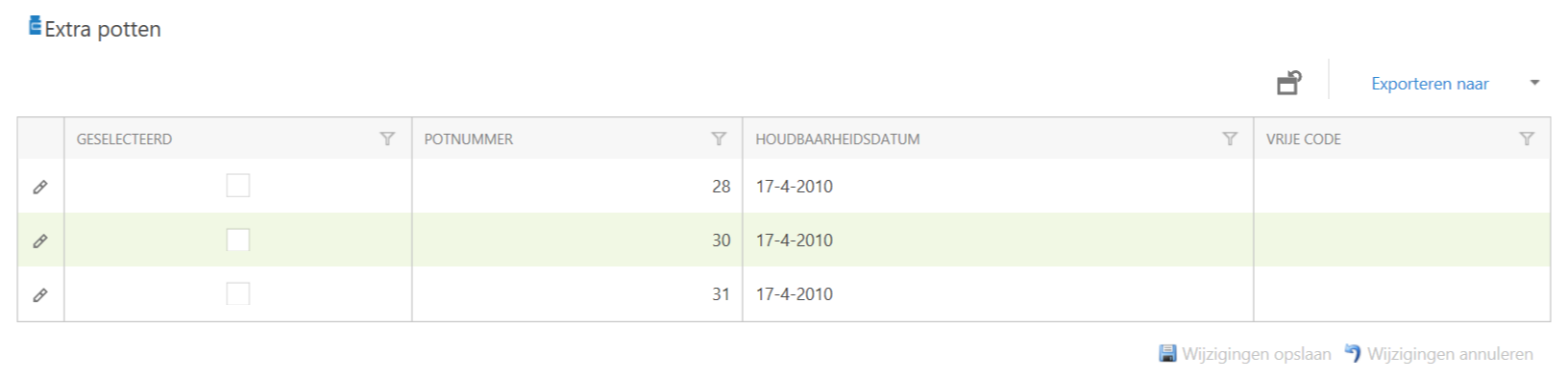
This way you spend one pot. If you want to spend more pots, please scroll down.
Select the additional pot(s) you want to spend and confirm with Save changes.
If everything is entered correctly, click on the Issue pot(s) button at the top right.
As you can see now, the menu at the top right has changed.
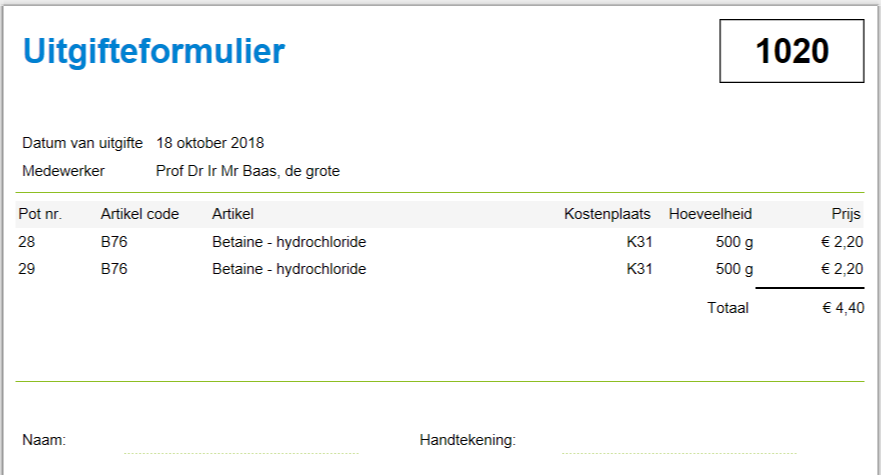
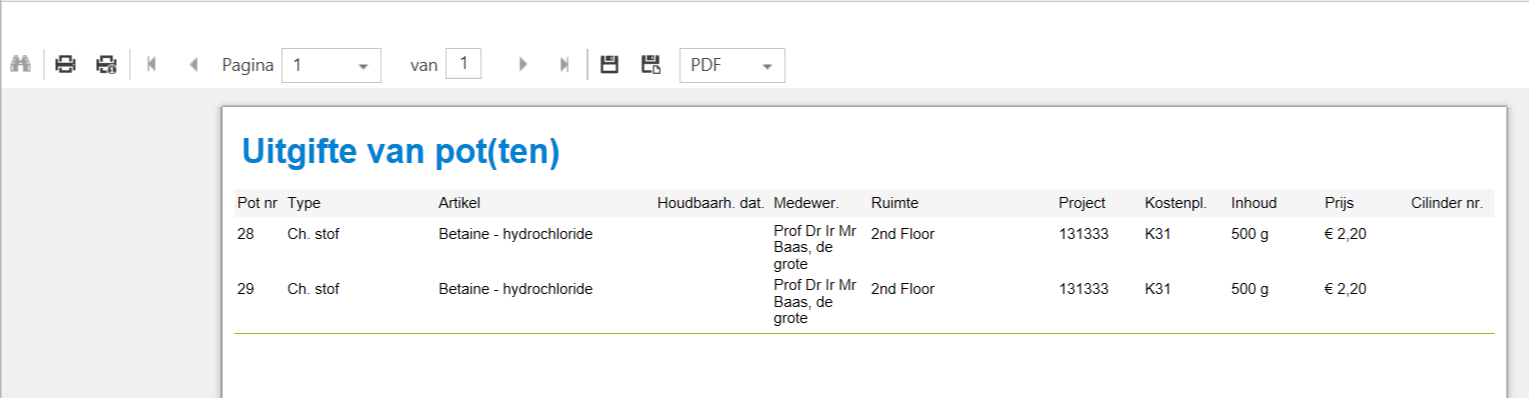
Show 'Issue form' gives:
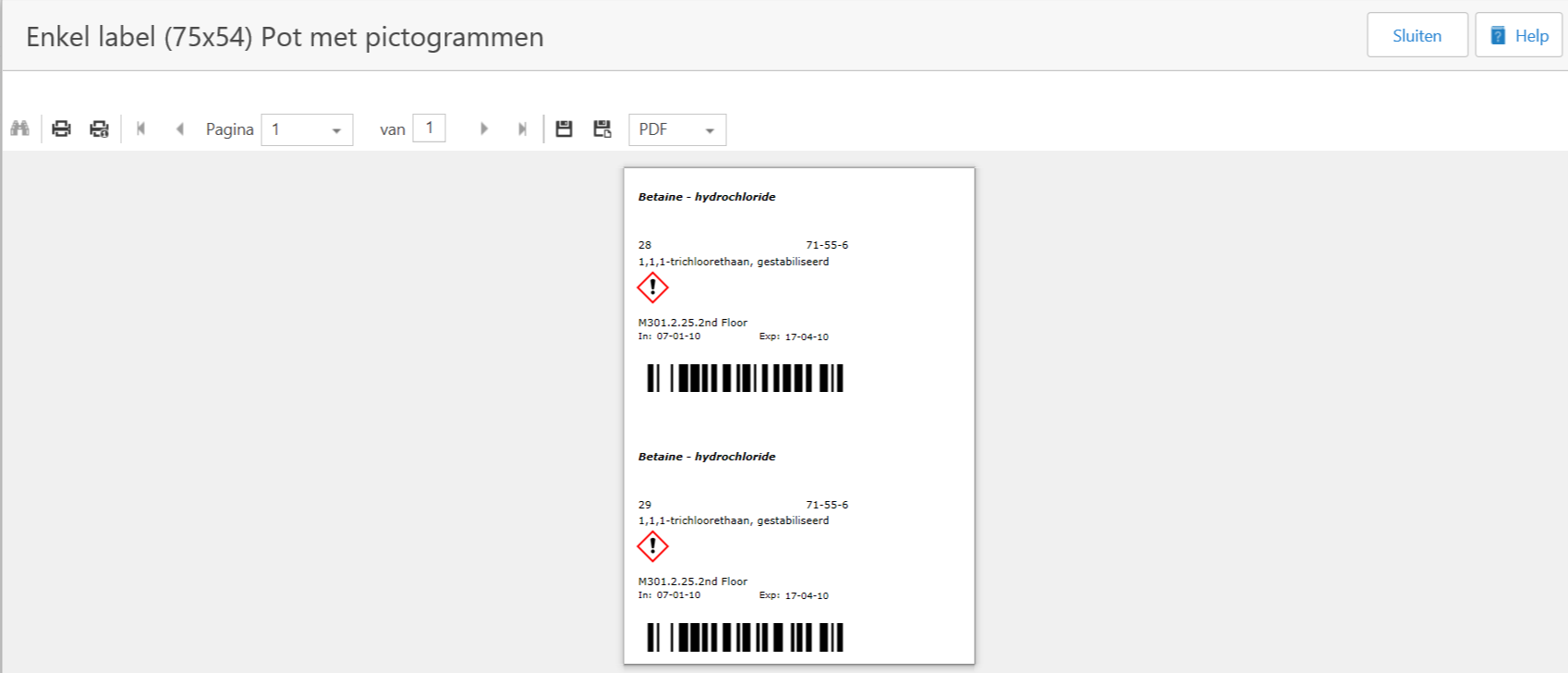
Print Label gives:
Display processing report gives: